Quick Answer
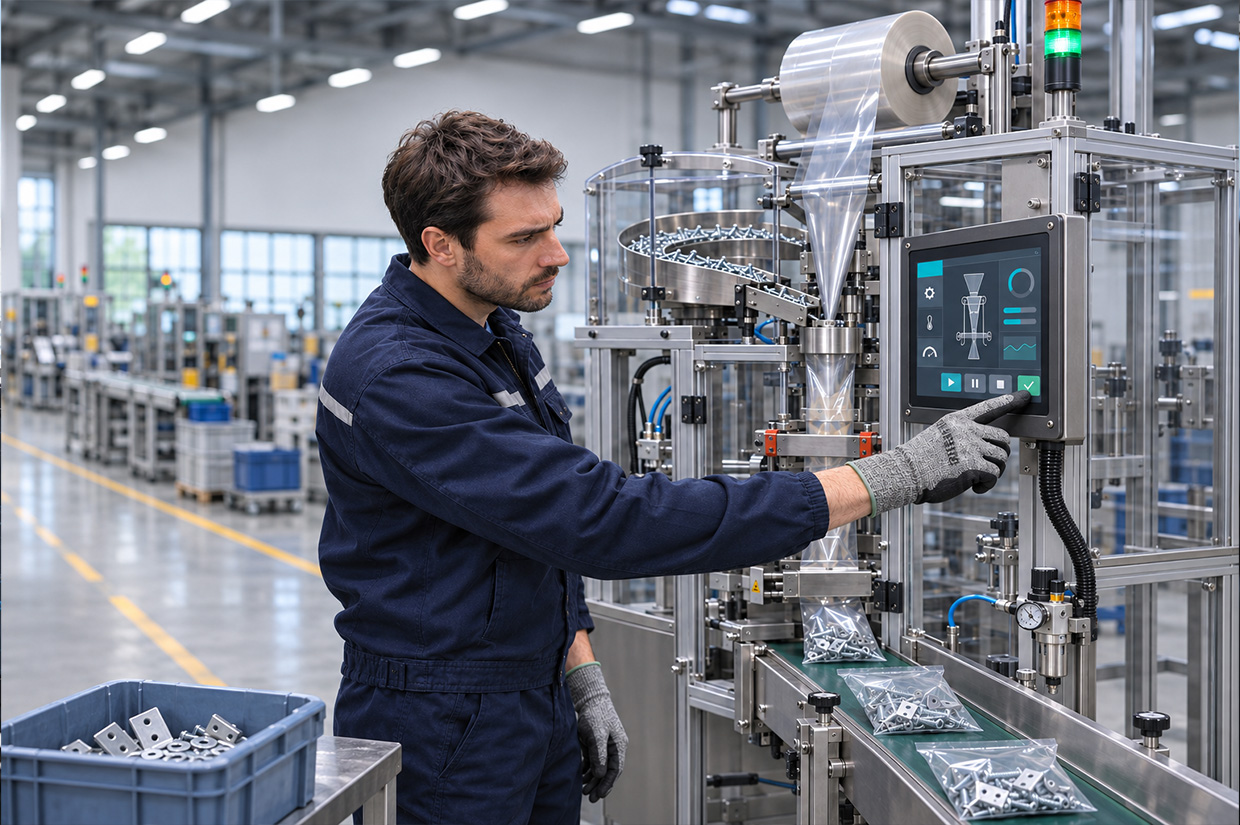
When a PCAP touchscreen becomes unreliable with gloves, increasing sensitivity alone is rarely the answer. Glove material, thickness, and construction affect the conditions between the finger and the sensing surface. Cover-glass and bonding structure, controller settings, moisture, touch actions, and the assembled system's grounding condition can also cause the same glove to behave differently across devices.
- Test with the actual gloves and tasks used in the field
- Record missed touches and false touches separately
- Validate both the module and the integrated system
A more reliable approach is to define the gloves, on-screen tasks, and operating environment that will be used in the field, then test samples under those conditions. Record which actions are not recognized, which inputs are interpreted incorrectly, whether dragging is interrupted, and whether response is delayed. This gives the engineering team a basis for tracing the issue back to the relevant condition.
Why the Same Gloves Can Produce Different Touch Results on Different Devices
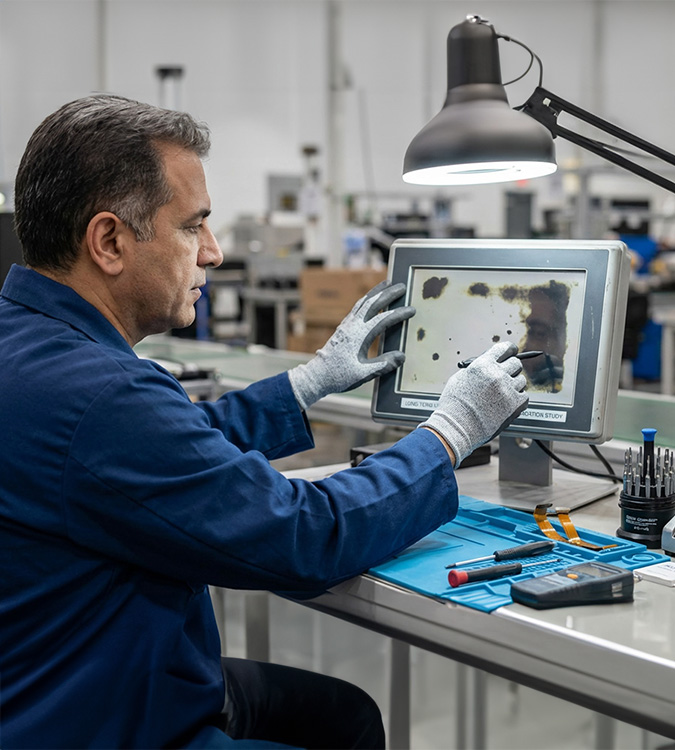
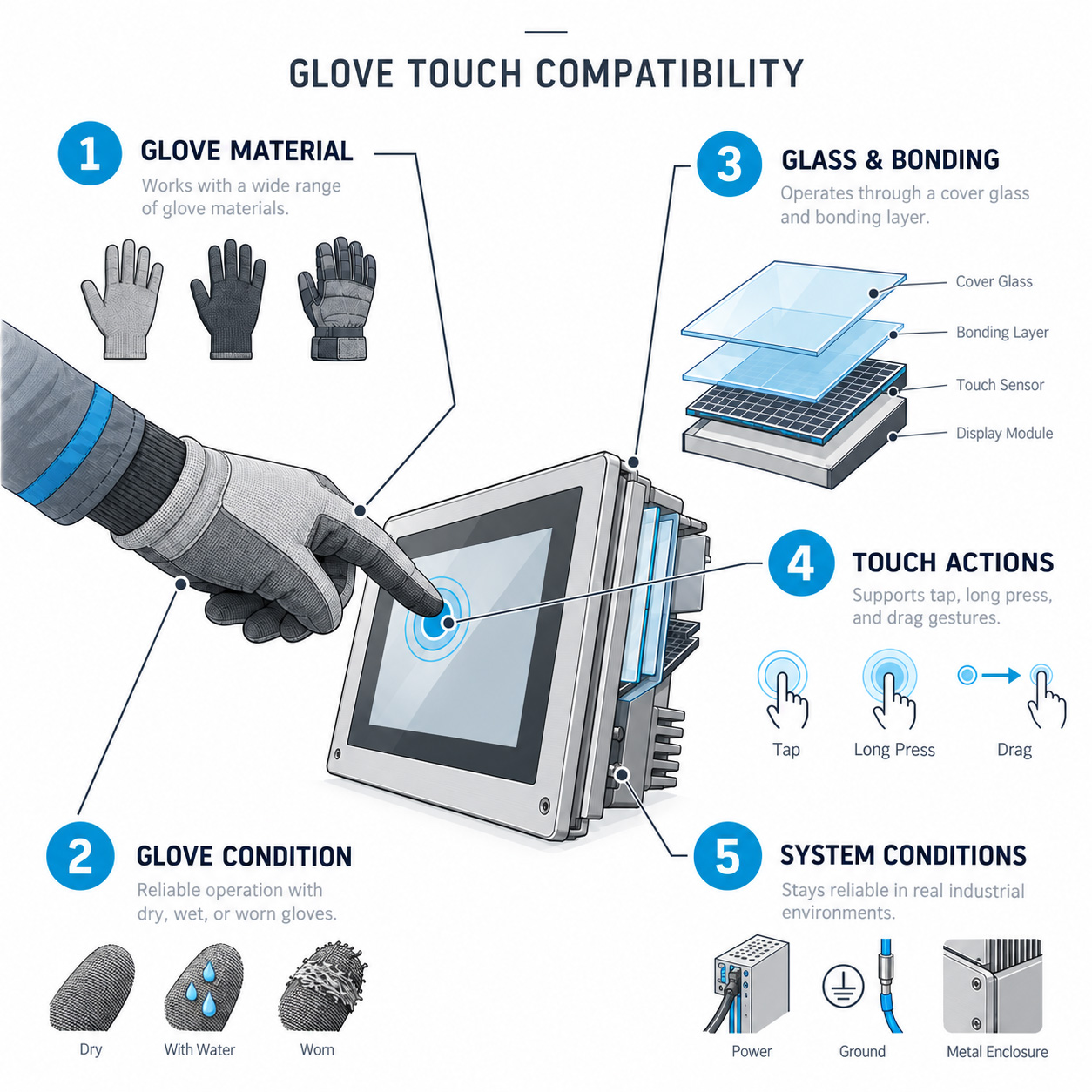
PCAP determines a touch location from changes in capacitance. When gloves, thicker cover glass, or other structural layers are introduced between the finger and the sensing surface, the change received by the controller may differ from that of a bare finger. Glove operation is therefore not a single material property; it is the outcome of the gloves, touch module, mechanical structure, and system conditions together.
In practice, a sample may work normally with a bare finger but become unstable for tapping, swiping, or two-finger actions after installation in the enclosure, when actual work gloves are used, or when moisture is present. A single test with one glove in the center of the screen can easily overlook field-critical scenarios, such as edge buttons, rapid repeated taps, or extended dragging.
Before Testing, Define How the Touchscreen Will Actually Be Used
Before testing begins, document the glove types, wearing condition, tasks, operating environment, and system conditions in one requirements sheet. If any of these elements is missing, a sample that works on the bench may still fail to support the intended task once installed in the field.
| Condition to Confirm | Recommended Record | Why It Matters |
|---|---|---|
| Glove type | Outer material, lining, and whether the glove is waterproof or designed to be conductive | Products described as work gloves can have very different touch performance. |
| Wearing condition | Single or multiple layers, fit, and whether the gloves are wet or worn | The effective contact area and interface condition can change. |
| Operating task | Tap, press-and-hold, swipe, drag, two-finger actions, and edge buttons | Single-point taps do not represent the full operating task. |
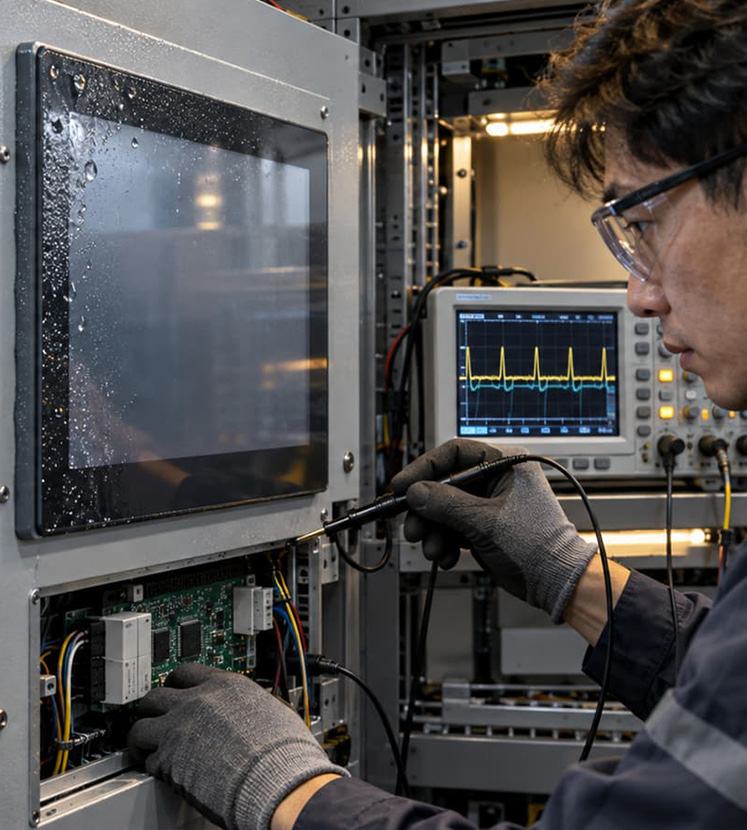
| Operating environment | Dry conditions, perspiration, water droplets, residual moisture after cleaning, and temperature | Moisture can occur at the same time as glove use. |
| System conditions | Assembled system condition, power and grounding, software version, and screen version | This helps prevent system-integration issues from being misdiagnosed as glove issues. |
Why Touch Results Change When You Switch Gloves or Cover Glass
Gloves add an interface between the finger and the sensing surface, so labels such as “work gloves” or “cut-resistant gloves” alone cannot determine whether operation will work. Thin fabric or nylon work gloves, for example, do not present the same conditions as multilayer gloves with liners, cut-resistant layers, or waterproof layers. The same glove may also perform differently when dry, wet, or worn.
Cover-glass thickness, the stack-up between the touch panel and cover glass, bonding method, and final system assembly also affect the signal seen by the controller. These conditions should be fixed and documented during sample evaluation; otherwise, a material change or design revision can introduce the same gap again later.
Increasing sensitivity can make a particular glove easier to detect, but settings should not be adjusted in that direction alone. New issues may appear when the operator's palm approaches the edge, the glove brushes the screen, or water droplets and residual moisture are present. A better approach is to adjust settings step by step with the same gloves, screen, and environmental conditions, while recording changes in missed touches and false touches—not simply whether one tap succeeds.
A Module That Passes Testing May Still Be Unstable After System Integration
Glove touch validation should be planned across three stages: sample evaluation, assembled-system testing, and pre-acceptance confirmation. Using the same, or traceable, gloves, representative screens, and evaluation method at each stage makes it possible to determine whether an issue comes from the touch module, mechanical integration, or actual operating conditions.
- 1. Define Requirements
List the gloves, tasks, environment, moisture conditions, and operating posture to confirm the actual use case.
- 2. Test the Module Sample
Use representative screens to test tapping, swiping, dragging, and edge areas, establishing initial compatibility.
- 3. Retest in the Assembled System
Retest with the actual cover glass, mechanics, power, and grounding conditions to identify integration effects.
- 4. Confirm Before Acceptance
Include the coexistence of moisture and repeated operation, then have representative users confirm whether the task can be completed.
A Recognized Tap Is Not Enough: Track Missed Touches and False Touches Separately
The requirements sheet defines what to test. During acceptance, the priority is to record an abnormal result clearly enough for the next troubleshooting cycle. The four items below are not duplicate test conditions; they are the questions every abnormal-result record should answer.
Which task failed?
Specify the screen function, touch action, and location—for example, a press-and-hold on an edge confirmation button or map dragging.
What conditions were present?
Match the glove ID, dry or wet condition, system version, and test-screen version.
What was the failure mode?
Classify it as no trigger, position offset, interrupted drag, delayed response, or unintended input instead of recording all cases as “unresponsive.”
Can it be reproduced?
Record the reproduction method and timing to help confirm whether a change has actually improved the result.
Glove touch acceptance should record two risks separately. A missed touch occurs when a deliberate user action is not recognized by the system. A false touch is an unintended input, incorrect location, or action that should not have been triggered. The corrective path can differ for each, so a simple “does it respond?” criterion is not enough.
What Procurement and Project Teams Should Confirm at the RFQ Stage
Procurement and project teams do not need to specify controller parameters themselves. However, before the RFQ, sample review, or design freeze, they should ask the supply and engineering teams to align on glove conditions, operating tasks, and acceptance methods. This reduces schedule risk caused by discovering late in the project that field gloves are incompatible and require repeated material changes, setting adjustments, or revalidation.
Where a project has several user groups—such as operators, cleaning staff, and maintenance personnel—the team should clearly define which gloves are within the mandatory test scope and which are exception scenarios. Clear requirements boundaries allow suppliers to support decisions with comparable samples and results.
Frequently Asked Questions
1. Can a PCAP touchscreen be operated with any glove?
This should not be assumed. PCAP determines location from the capacitance change during contact. Gloves introduce an interface between the finger and sensing surface, and materials, thicknesses, inner and outer layers, and moisture conditions can differ significantly. In practice, thin gloves, multilayer protective gloves, worn gloves, and wet gloves should be treated as different test conditions. Provide the actual glove samples or clearly defined glove characteristics early in the project, test the module first, and then retest in the assembled system.
2. If glove operation is unreliable, can the issue be solved simply by increasing sensitivity?
Not necessarily. First use the actual gloves and representative screens to identify the action and area in which the issue occurs. The engineering team can then adjust settings under controlled conditions and retest. After every adjustment, check both whether missed touches have decreased and whether unintended input appears when an edge is brushed, moisture is present, or a palm approaches. Closing the issue because one tap succeeds can still leave new false-touch problems in the finished system.
3. Why does a module sample work normally but become unstable after installation?
Module samples are generally evaluated under simpler conditions. Once installed, cover-glass thickness, the distance between the touch panel and cover glass, metal mechanics, power and grounding, software version, and the actual mounting method all become system conditions. When an issue appears only after installation, retain the glove, screen, settings, and abnormal-result records from both module and system testing, then compare the differences one by one.
4. Should glove touch testing include moisture conditions?
Yes, if the equipment may encounter perspiration, water droplets, residual moisture after cleaning, or humid conditions. Performance with gloves and moisture present may differ from dry-condition results.
5. Besides checking whether a button can be pressed, what else should glove touch testing cover?
That is not enough. Testing should also cover press-and-hold, swiping, dragging, edge areas, and repeated operation, while recording missed touches, position offset, interrupted actions, and false touches.
6. What information is most important at the RFQ stage?
Provide the intended gloves or their required characteristics, operating tasks, cover-glass and structural conditions, environmental scenarios, assembled-system condition, and an acceptable acceptance method. Specific numeric thresholds should be confirmed jointly by engineering and the end-user team.
If your industrial, medical, or rugged equipment must maintain reliable operation when gloves and moisture are present together, begin by defining the actual gloves, the most common touch actions, and the cover-glass and assembled-system conditions. Your technical team can then establish a repeatable sample-validation plan.
Inquire About Touch and Display Integration